Best Cellular Camera for No-Cell-Signal Areas
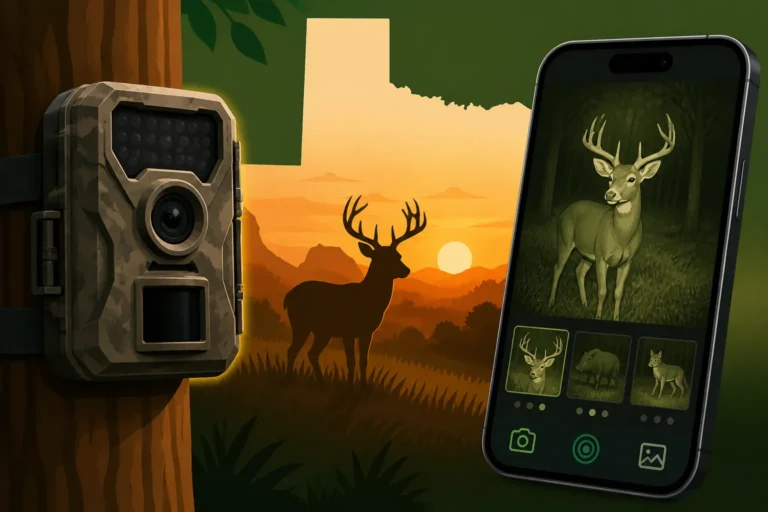
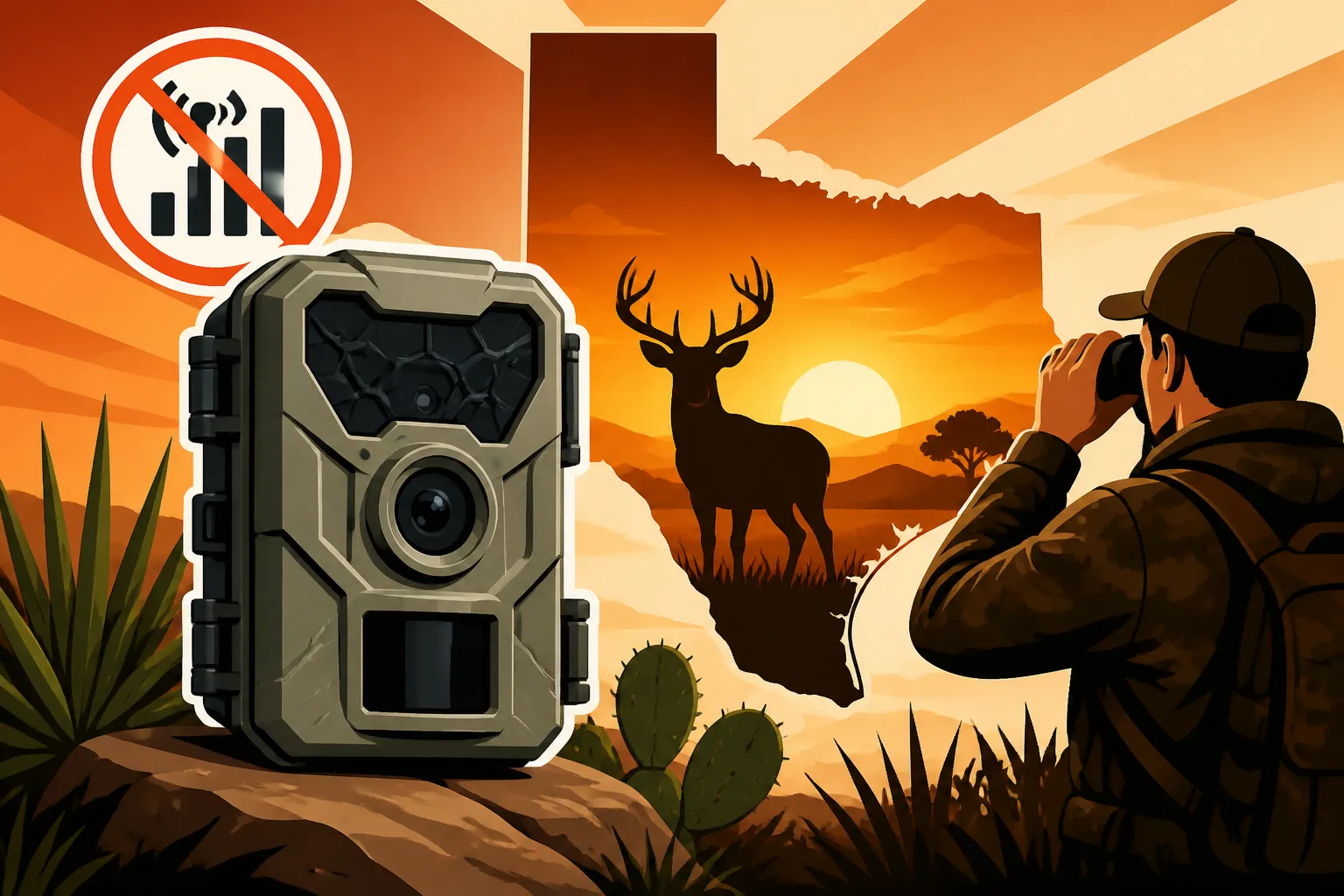
It’s a tale as old as time, or at least as old as cellular trail cameras: you spend good money on a fancy camera, haul it deep into your favorite hunting spot, set it up perfectly, and then… nothing. Crickets. No pictures. You check the app, and it screams "No Signal!" It's incredibly frustrating, especially when you've got a prime buck running around, and you're missing all the action because your tech can't keep up with the remote Texas wilderness. This guide is all about tackling that exact problem, helping you understand why your cellular camera goes dark and what you can do to keep those precious intel photos flowing, even in the most off-grid locations.
The Core Problem: Why Cellular Cameras Fail in Remote Texas Areas
Texas is a massive state, and while its major cities are swimming in cell towers, the vast majority of our prime hunting land is anything but. From the thick mesquite of South Texas to the sprawling ranches of the Hill Country or the dense forests of the Pineywoods, finding a consistent cell signal can feel like hunting for a unicorn. It's not just an inconvenience; it can actively hinder your scouting efforts and your ability to adapt to game movement.
Understanding Cellular Connectivity for Trail Cameras
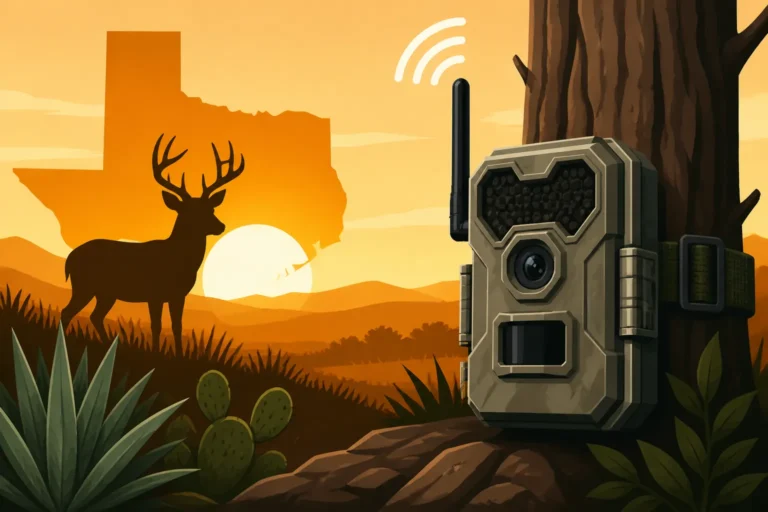
At its heart, a cellular trail camera is essentially a mini-smartphone designed to take pictures. It uses a SIM card, just like your phone, to connect to a cellular network (like AT&T, Verizon, T-Mobile, or smaller regional carriers) and send data (your photos and videos) to a cloud server, which then pushes them to your app. For this whole process to work, the camera needs a decent signal strength, measured in decibels (dBm). Think of it like a conversation: if the signal is weak, the camera is trying to yell across a canyon, and often, its message just won't make it.
Different cellular cameras might be optimized for different network bands (LTE, 4G, sometimes even 5G in newer models), but the fundamental need for a reliable connection to a nearby tower remains. If your camera is too far from a tower, or if there are too many obstacles in the way, that signal drops off dramatically. This is why you might have full bars on your phone on the highway, but as soon as you turn down that ranch road, your signal starts to dwindle.
The Unique Challenges of Remote Texas Terrain
Texas' diverse landscapes present specific hurdles for cellular camera performance. It's not a one-size-fits-all problem.
- Thick Brush and Dense Foliage: In areas like the South Texas brush country or the dense bottomlands of East Texas, the sheer amount of vegetation can act like a giant sponge for radio waves. Signal struggles to penetrate through acres of mesquite, prickly pear, and cedar. Even a few hundred yards into the brush can be enough to kill a weak signal.
- Rolling Hills and Canyons: The Texas Hill Country, with its dramatic elevation changes, is notorious for creating "dead zones." A camera placed in a low draw or canyon might be completely shielded from a cell tower, even if the tower isn't that far away as the crow flies. You could have signal on top of a ridge, but walk a few hundred feet down into a valley, and it's gone.
- Vast Distances: In the Panhandle or Trans-Pecos regions, the issue might simply be the sheer distance to the nearest cell tower. Towns and infrastructure are sparse, meaning towers are few and far between. Even with clear line of sight, the signal degrades over long distances, making it harder for a small camera antenna to pick it up reliably.
- Limited Infrastructure: Many of the best hunting leases and public lands are purposefully remote, meaning cellular infrastructure hasn't been prioritized. This isn't just about big carriers; smaller regional providers sometimes have spotty coverage where larger ones don't, or vice-versa. Understanding the local cell landscape is crucial.
Strategies for Boosting Signal in Low-Service Areas
Just because you're in a low-signal area doesn't mean you're out of luck. There are several proactive steps you can take to coax a better connection out of your cellular trail cameras.
External Antennas and Boosters
This is often your first line of defense against poor signal. Many modern cellular cameras come with a basic antenna, but many also offer ports for external, higher-gain antennas.
- Higher Gain Antennas: These antennas are designed to pull in weaker signals from further away. They typically look larger and more robust than the small stubby antennas that come standard with most cameras. For example, a 9dBi or 12dBi antenna will generally perform better than a standard 3dBi antenna. You simply screw them into the designated port on your camera. They don't create signal, but they are more efficient at picking up what's available.
- Cellular Signal Boosters: These are more sophisticated devices that actually amplify the existing signal. They usually consist of an outdoor antenna, an amplifier unit, and an indoor antenna (or in this case, a small antenna placed near the camera). Popular brands like WeBoost or SureCall make portable boosters that can be rigged up for remote use, often requiring a 12V power source (which can be a challenge in itself). The outdoor antenna captures the weak signal, sends it to the amplifier, which boosts it, and then transmits the stronger signal to your camera via the internal antenna. These can be game-changers in truly fringe areas, but they require careful setup and power management.
When setting up an external antenna, try to mount it as high as possible, perhaps on a separate pole or even a tree branch above the camera. The goal is to get it above dense brush or ground-level obstructions. Aiming it towards the nearest known cell tower can also make a significant difference.
Strategic Camera Placement for Optimal Signal
Sometimes, the best "fix" isn't new gear, but better placement. Even a slight adjustment can mean the difference between no signal and a usable one.
- Elevation is Key: If your property has any elevation changes, always try to place your camera on higher ground. Even a small rise can provide a clearer line of sight to a cell tower. Think about the path the signal has to travel; fewer obstructions mean a stronger connection.
- Clear Line of Sight: Avoid placing cameras deep within thick stands of timber or heavy brush if possible. Trees and dense foliage are signal killers. Look for openings, field edges, or areas where the signal might have a more direct path. Sometimes, just positioning the camera on the edge of a clearing, rather than 20 feet back in the woods, can improve performance.
- Orientation Matters: While cellular signals propagate in all directions, aiming the camera's antenna (or an external antenna) towards the nearest cell tower can improve reception. Use a mapping app like GoHunt or onX Hunt to identify potential tower locations in your area and try to orient your camera accordingly. Even a slight adjustment in direction can help.
- Test Before You Leave: This is paramount. Most cellular cameras have a "test mode" or a signal strength indicator that lets you see the current signal in real-time. Don't just set it and forget it. After placing the camera, spend a few minutes testing different positions and orientations until you achieve the strongest possible signal reading. Walk around with your phone, too, to get a general idea of where your own device gets service; this can give you a clue for your camera.
Carrier Selection and SIM Card Management
Not all cellular carriers are created equal, especially in rural Texas. What works for your phone might not be the best for your camera in a specific location.
- Know Your Area's Best Carrier: Before investing in a camera, research which carriers have the best coverage in your specific hunting area. Don't just rely on general coverage maps; those are often optimistic. Ask lease neighbors, local landowners, or check crowd-sourced signal maps. Sometimes a smaller, regional carrier might have surprising coverage where the big players drop the ball. Many trail camera models are available with SIM cards for different carriers, or even come with multi-carrier SIM options that automatically try to connect to the strongest available network.
- Multi-Carrier SIM Cards: Some advanced cellular cameras or third-party SIM providers offer multi-carrier SIM cards. These intelligent SIMs can detect and switch between multiple cellular networks (e.g., AT&T, Verizon, T-Mobile) to find the strongest available signal in a given location. This is a huge advantage in areas where coverage is spotty and unpredictable. Instead of being locked into one carrier, your camera can dynamically choose the best option, significantly increasing its chances of staying connected.
- Data Plans for Cameras: Cellular trail camera data plans are different from phone plans. They are usually much cheaper and offer varying amounts of data (e.g., 500 MB, 1 GB). Choose a plan that aligns with how many pictures/videos you expect to receive. Remember, higher resolution photos and videos use more data. Check out guides on Best Cellular Trail Camera Data Plans Compared to find the most cost-effective solution for your needs.
Best Cellular Camera Features for No-Service Areas
When you're shopping for a cellular trail camera specifically for remote, low-signal areas, certain features become far more critical than others. It's not just about megapixel count; it's about robust connectivity. Brands like Tactacam and Moultrie have models that often perform well in challenging signal environments due to these features.
Prioritizing Robust Antennas and Signal Sensitivity
This is arguably the most important hardware aspect. A camera with better signal acquisition capabilities will always outperform one that struggles to hear the network.
- External Antenna Ports: As mentioned, a camera that allows you to attach a larger, higher-gain external antenna is a non-negotiable feature for low-signal areas. This vastly expands your options for boosting reception. Always check the camera's specifications to confirm it has this port. Some models, like the Browning Defender series, are known for having solid internal antennas and often external ports, making them adaptable.
- Stronger Internal Antennas and Chipsets: Even if you plan to use an external antenna, a camera with a robust internal antenna design and a sensitive cellular modem chipset will perform better from the get-go. These components are designed to pick up weaker signals more efficiently. While manufacturers don't always publicize chipset details, user reviews and field tests often highlight cameras that excel in "fringe" service areas. Pay attention to reviews that specifically mention performance in remote or low-signal locations.
- Signal Strength Indicator: A clear, easy-to-read signal strength indicator on the camera itself (or accessible via a local Wi-Fi connection) is essential for proper setup. This allows you to fine-tune placement and antenna orientation in the field without guessing.
Local Storage and Retrieval Options
Sometimes, even with all the boosters and strategic placement, cellular service just isn't happening. In these scenarios, you need reliable backup methods to get your images.
- Large SD Card Capacity: This might seem obvious, but if your camera can't send pictures, it needs to store them locally. Opt for cameras that support large-capacity SD cards (e.g., 32GB, 64GB, or even 128GB). This ensures that even if you only check the camera once a month, you'll still have a significant archive of activity. When your camera isn't transmitting, it's essentially acting like a traditional trail camera, and maximum storage becomes vital.
- Wi-Fi or Bluetooth Connectivity for Local Download: Some cellular cameras, or even traditional ones, offer local Wi-Fi or Bluetooth connectivity. This feature allows you to connect your smartphone directly to the camera (within a short range, usually 10-50 feet) and download pictures and videos without needing a cellular or internet connection. Brands like Bushnell or SPYPOINT offer models with this capability, letting you pull images quickly during a site visit. It's not a cellular solution, but it's a fantastic workaround when the cellular network is completely absent, allowing you to get your intel quickly without pulling the SD card.
- "No-Send" Mode: Some cameras have a setting that allows them to function purely as a traditional trail camera, saving all images to the SD card without attempting to transmit. This can be useful if you know the signal is non-existent and you want to conserve battery life by not having the camera constantly trying (and failing) to connect.
Power Management and Durability
Remote locations often mean extended deployment periods and exposure to harsh Texas weather, so robust power and construction are vital.
- Extended Battery Life & External Power Options: Constantly searching for a signal drains batteries much faster. Look for cameras with excellent battery efficiency or, even better, those that support external power sources like 12V batteries or solar panels. Integrating a solar panel with a rechargeable battery pack can keep your camera running for months, even in remote areas. This is especially useful for a Best Solar Charger for Cellular Trail Cameras setup, ensuring your camera stays powered while it tries to find that elusive signal.
- Rugged, Weather-Resistant Design: Texas weather can be brutal, from scorching summer heat to sudden torrential downpours. A camera deployed in a remote area needs to withstand these elements without fail. Look for cameras with an IP (Ingress Protection) rating, indicating their resistance to dust and water. A well-sealed, robust casing means your camera is less likely to fail due to environmental factors, especially if you won't be checking on it frequently.
Alternative Solutions When Cellular is Simply Not an Option
Sometimes, you do everything right – external antennas, proper placement, the best carrier – and the cell signal is still a ghost. In these truly dead zones, it’s time to consider alternative strategies.
Traditional Trail Cameras with Large SD Cards
Before cellular cameras became mainstream, this was the only way to go, and it's still a highly reliable method for areas with absolutely no service.
- Simplicity and Reliability: Traditional trail cameras are simpler by design. They trigger, take a photo or video, and save it to an SD card. There are no cellular modems, no data plans, and no signal worries. This simplicity often translates to higher reliability and longer battery life.
- Cost-Effective: Generally, traditional cameras are significantly cheaper than their cellular counterparts. You can deploy more of them for the same budget, allowing you to cover more ground or set up redundant cameras in key locations.
- Physical Retrieval: The downside, of course, is that you have to physically visit each camera, pull the SD card, and review the images on a laptop or a dedicated SD card viewer. This means more trips into your hunting area, which can potentially disturb game. However, for those truly remote spots, it might be your only option. Consider pairing these with a strategy for How to Pattern Bucks With Trail Cameras by analyzing movement patterns over time.
Wi-Fi/Bluetooth Enabled Cameras for Short-Range Downloads
Some cameras offer a hybrid approach, providing local wireless connectivity without needing a cellular network.
- Close-Range Convenience: These cameras, whether cellular or traditional, include Wi-Fi or Bluetooth modules that allow you to connect your smartphone directly to the camera from a short distance (typically 10-100 feet). You can then browse and download images to your phone without having to remove the SD card.
- Less Disturbance: This method is less intrusive than physically pulling an SD card, as you don't need to open the camera housing, potentially leaving scent or spooking game. It's a great middle-ground solution if you can get within range of the camera during a discreet visit.
- Limitations: The obvious limitation is the range. You still have to be relatively close to the camera, which means you're still entering the immediate area. It's not a solution for truly "remote monitoring" from your couch, but it offers significant convenience during field visits.
Satellite-Based Communication (Emerging Technology)
The concept of satellite communication for trail cameras is an exciting, albeit nascent, development. It’s not quite mainstream for trail cameras yet, but it’s worth keeping an eye on for the future.
- True Global Coverage: The primary advantage of satellite communication is its ability to work literally anywhere on Earth, as long as it has a clear view of the sky. This eliminates all ground-based signal issues.
- Current Limitations: As of now, satellite-based trail cameras are either extremely expensive, have very slow transmission speeds, or consume massive amounts of power, making them impractical for most hunters. They typically transmit very small, low-resolution images or just basic status updates. The technology is primarily used for industrial applications or high-end remote monitoring where cost isn't a significant barrier. However, as satellite technology advances (think Starlink's expansion), we might see more viable, affordable options emerge in the future. Until then, it's largely aspirational for the average hunter.
When you're trying to decide what kind of camera and setup is best for your specific remote hunting scenario in Texas, it really comes down to assessing your needs, your budget, and the reality of the signal in your location. Sometimes, a combination of strategies, like using traditional cameras for deep, dead zones and externally-antenned cellular cameras for fringe areas, is the most effective approach.
Feature Comparison for Low-Signal Area Cameras
Here's a quick look at key features to consider when battling those signal blues:
| Feature | Benefit in Low-Signal Areas | Ideal Scenario | Notes |
|---|---|---|---|
| External Antenna Port | Allows attachment of high-gain antennas to boost signal. | Fringe signal zones, varied terrain. | Crucial for adapting camera to specific site conditions. |
| Multi-Carrier SIM | Automatically connects to the strongest available network. | Unpredictable coverage, frequent travel between leases. | Maximizes chances of connection where one carrier is weak. |
| High Signal Sensitivity | Camera chipset designed to pick up weaker signals. | Any low-signal area. | Not always advertised, but look for reviews praising "fringe" performance. |
| Local Wi-Fi/Bluetooth | Enables wireless image download to phone when on-site. | "Dead zones" where cellular is impossible, frequent site visits. | Great alternative to physically pulling SD card. |
| Large SD Card Support | Ensures ample storage when cellular transmission fails. | Any camera in a low-signal area. | Essential backup; minimum 32GB recommended. |
| External Power Support | Allows for connection to 12V batteries or solar panels. | Extended deployments, reducing trips for battery changes. | Important as signal searching drains batteries faster. |
| Signal Strength Meter | Provides real-time feedback for optimal camera placement. | During initial setup in the field. | Saves time and guesswork; essential for fine-tuning. |
Remember, successful hunting often involves working smarter, not harder. By understanding the limitations of cellular technology in remote Texas, and by leveraging the right gear and placement strategies, you can keep that vital intel flowing, even when the bars are low. Don't let a "no signal" message keep you from patterning those elusive South Texas Trophy Whitetail!
Disclaimer
The information provided in this article is for general guidance and informational purposes only. Hunting regulations, cellular coverage, and product specifications can change frequently. Always consult the latest Texas Parks and Wildlife Department (TPWD) Outdoor Annual for current hunting regulations and refer to manufacturer specifications for your specific cellular trail camera models. While every effort has been made to provide accurate information, we are not responsible for any errors or omissions, or for any outcomes related to the use of this information. Hunters are responsible for their own safety and for adhering to all applicable laws and regulations.